
I promised to post interesting stuff about RO right? Ok, here it is.
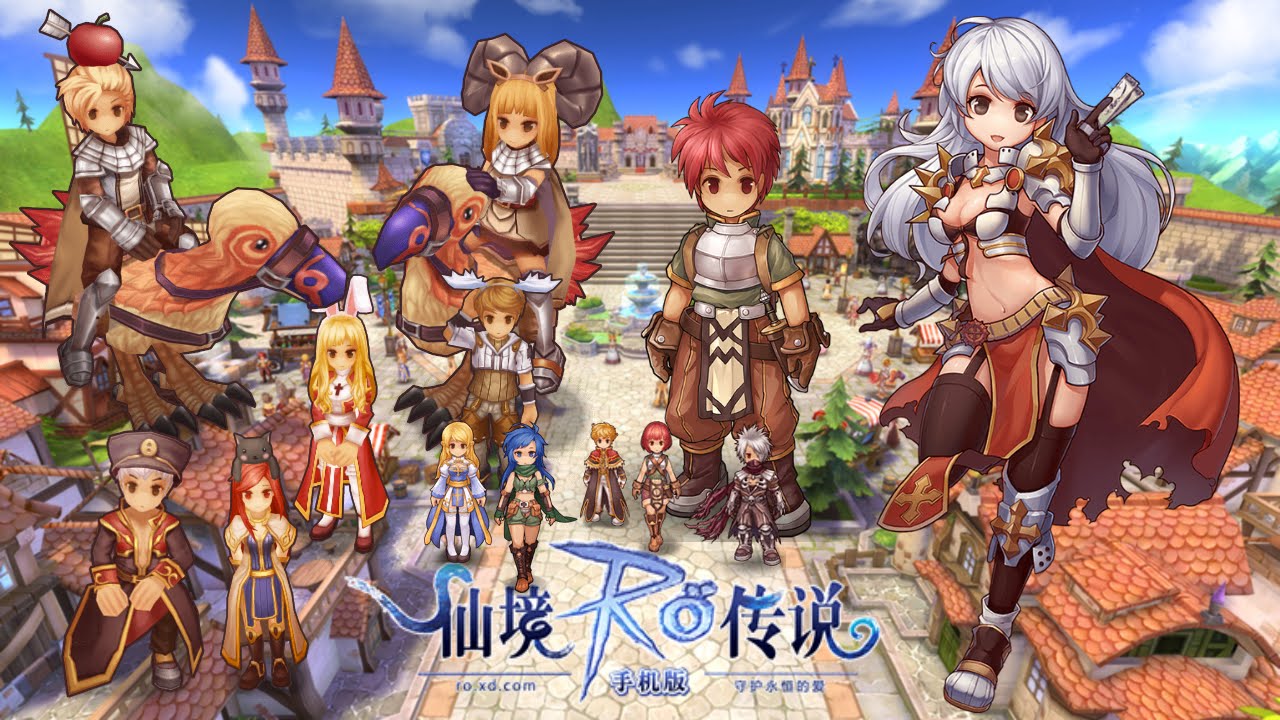
SOoooo, the Ragnarok Guardian of Eternal Love has been out for a while and I've seen plenty of installation guides, but one more guide won't hurt right ? :)


Leave a thank if this helped you

INSTALLATION
*This guide is only meant for PC and laptop*
Apple: Make an account in China region, install Taptap, download in Taptap.
Android: Install Taptap APK (google it), download in Taptap.
- Download BlueStack2 and install it.
- Download Ragnarok Guardian of Eternal Love and run it.
- Wait until the installation is done, your BlueStack will now be in Chinese.
- Follow these step to change it to your language
2. Click Setting icon.
3. Pick your language
PLAY
So, after you installed there will be a Ragnarok icon on your desktop, that is where you will launch Ragnarok Guardian of Eternal Heart from now on.
REGISTER
1. After the updates you will see this screen.
Click TOUCH START GAME, from now on all the picture will be translate for the English player :)
2. Register an account by click on this water symbol
3. Click sign-up
4. Fill out the information needed
5. Go back to step 1 and 2. Log in with your newly made account and enjoy !
EXTRA
1. So, the game is in Chinese so for non-chinese you guys need to download "Google Translate" ONLY IF YOU HAVE AN APPLE OR ANDROID PHONE. if you're stuck in a quest, or having trouble understand item's description. Just turn on Google Translate camera and point it at screen for broken English text like these pictures up here ^
2. Take advantage of the built-in feature. Keyboard.
 |
| Example of BlueStack hotkey set up. |
Click on the little keyboard icon down there, and set up your own hotkeys. Personally, the AWSD control isn't very responsive, so I prefer moving by pressing my mouse down to move more smoothly, and spam skill with hotkeys.
Leave a thank if this helped you


